✦ Weekly drop: the best new AI tools for designers — updated every Tuesday

Last reviewed: May 2026

Font Mojo

Font Mojo - Compare and Preview Fonts | Find Perfect Fonts for Your Design

Font Mojo Verdict

Font Mojo is a useful tool if you’re tired of the clunky font menus in Photoshop or Figma. It’s a simple way to see all your options at once and pick the right one without overcomplicating the process. It’s a solid, functional addition to a designer’s toolkit.

Key feature

Pricing model

Free / One-Time Purchase Most core features are free to use. Pro versions for advanced collection sharing and cloud syncing typically range from a $15–$25 one-time fee.

Font Mojo overview

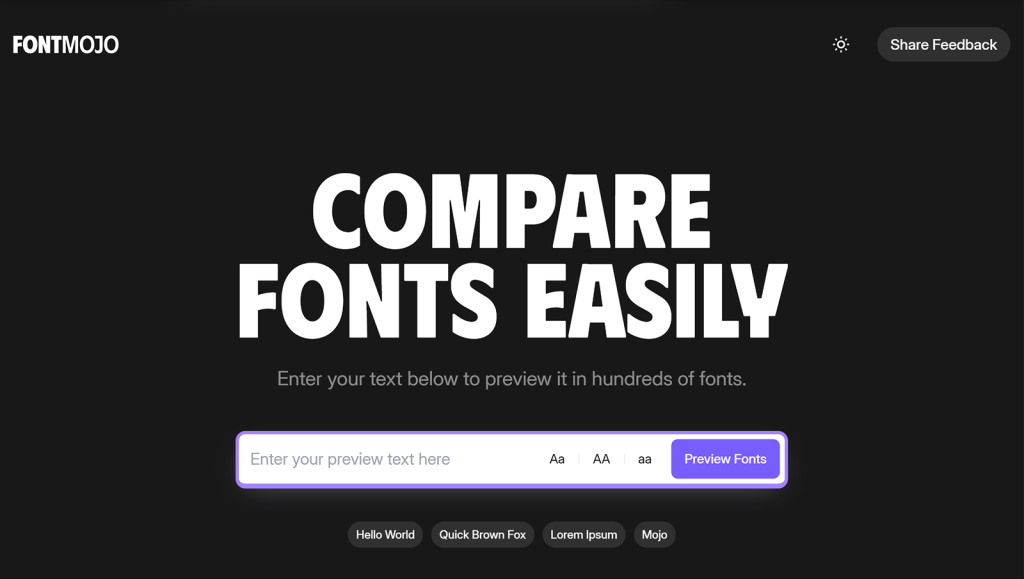
Font Mojo is a straightforward font management application built for designers who need to preview and organize typography quickly. It serves as a central hub where you can view your custom text across your entire local font library and the Google Fonts collection, all on one screen. Instead of the slow process of changing fonts one by one in design software, this tool allows for a side-by-side comparison, making it easier to see how specific characters or headlines perform in different styles.

The platform focuses on utility rather than on complex features. It allows you to filter fonts by category, such as Serif, Sans Serif, or Script, and organize your top choices into “Collections” for specific projects. For 2026 workflows, it provides a lightweight way to test web-safe fonts and custom OTF/TTF files before importing them into a final design. By providing a clean, dedicated space for typographic experimentation, Font Mojo helps narrow down the best options for branding, UI layouts, or print materials without the distractions of a full design suite.

Best For

  • Graphic Designers: Quickly compare multiple font options for logos or headers to see which typeface matches the project’s tone.

  • Web Developers: Preview Google Fonts with actual project copy to ensure readability and style fit before adding them to a website’s code.

  • Branding Professionals: Curate specific font “mood boards” or collections to present typographic directions to clients or stakeholders.

  • Social Media Creators: Speed up the process of picking high-impact fonts for thumbnails and post graphics by keeping a list of favorites in one place.

Tool integrations

Google Fonts, Web-based font libraries, and direct browser previews.

Similar tools

Freemium

Stitch

Generates professional web and mobile interfaces from simple text prompts and visual sketches.
UI Generation

4.5/5

Freemium

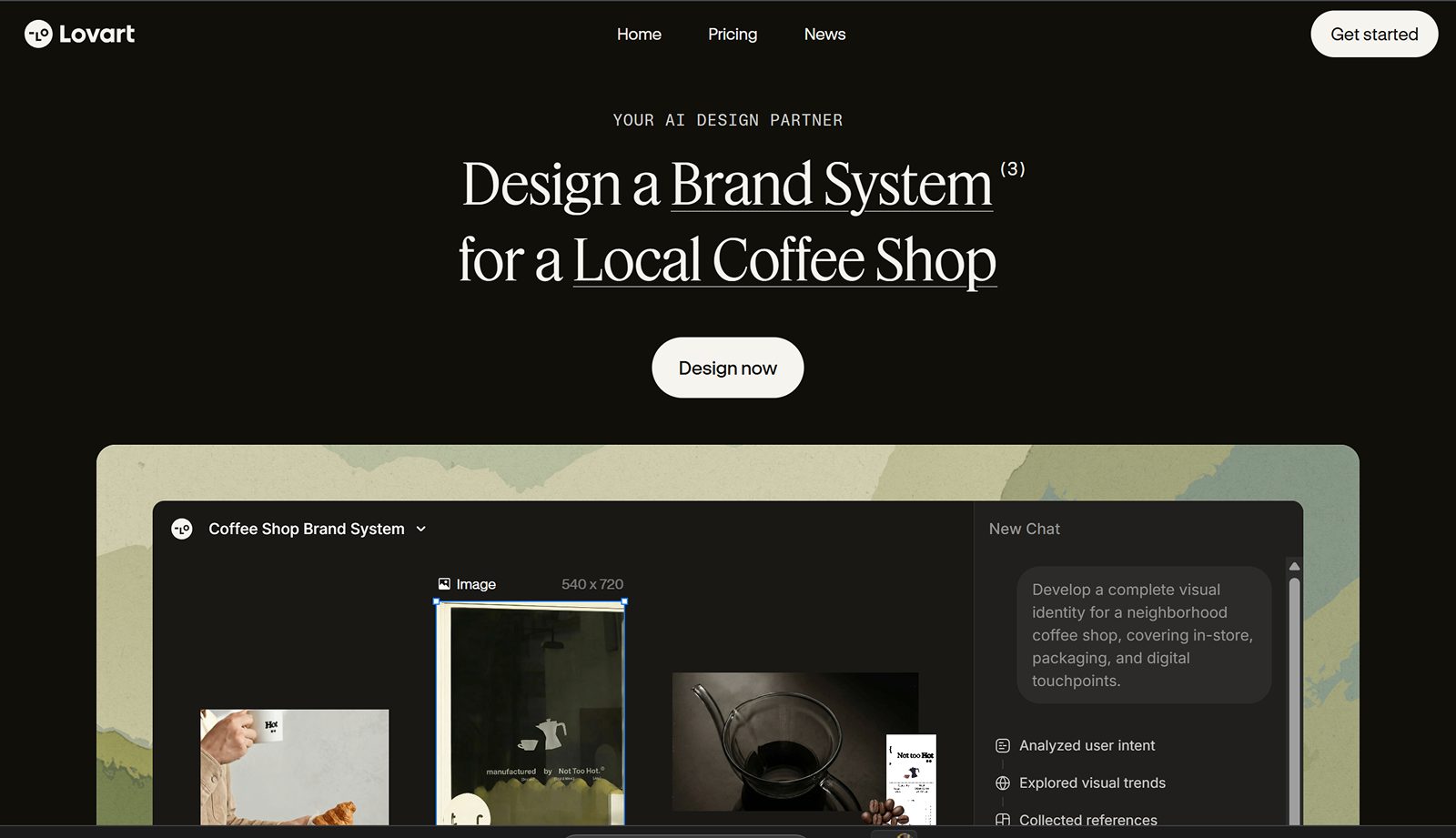
Lovart AI

The world’s first AI Design Agent that orchestrates full creative campaigns and brand identities on an infinite canvas.
Branding & Identity
Freemium

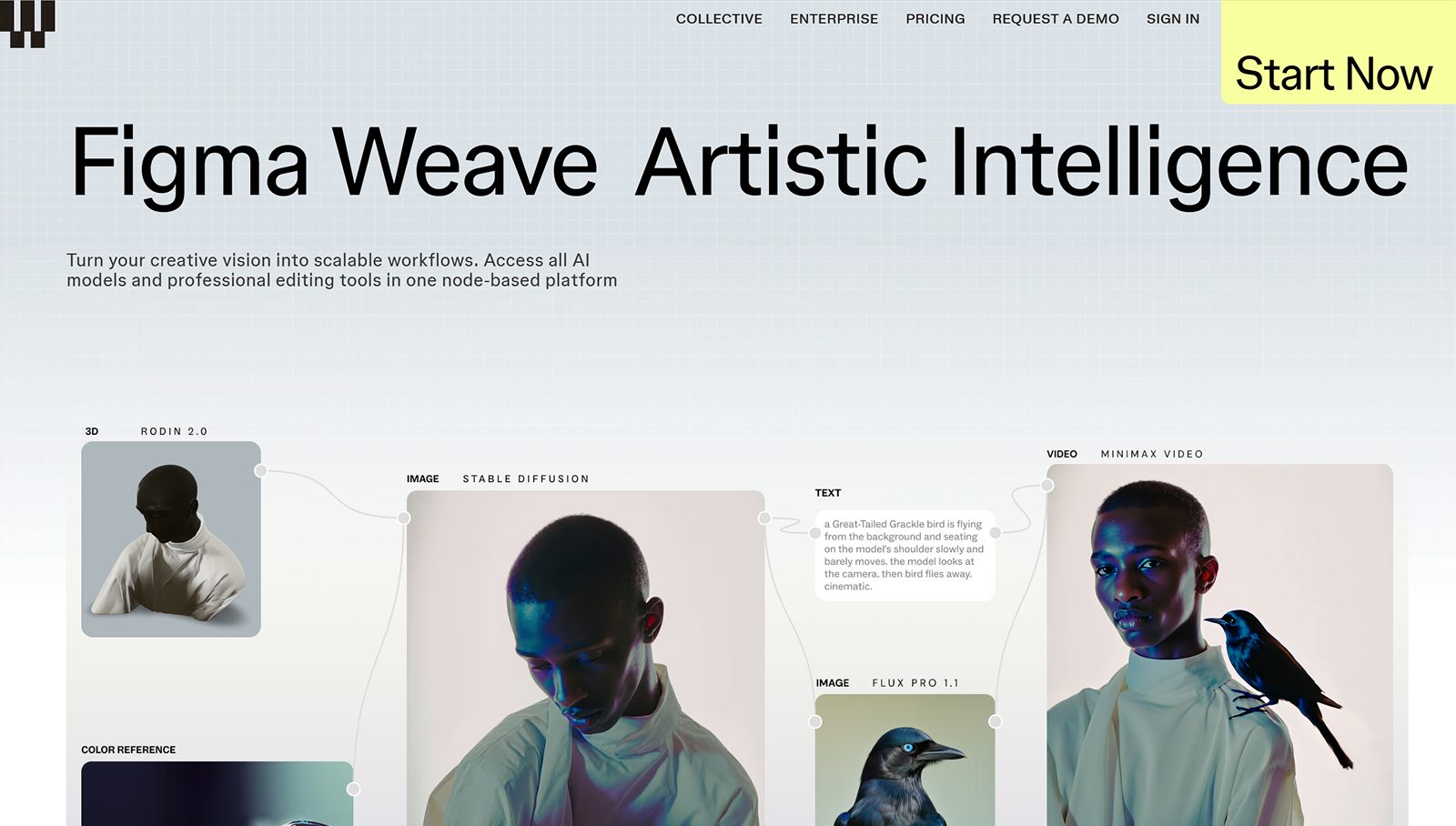
Figma Weave

Build scalable AI design workflows using a professional node-based platform that unites all leading AI models.
UI GenerationFigma Plugins
Freemium

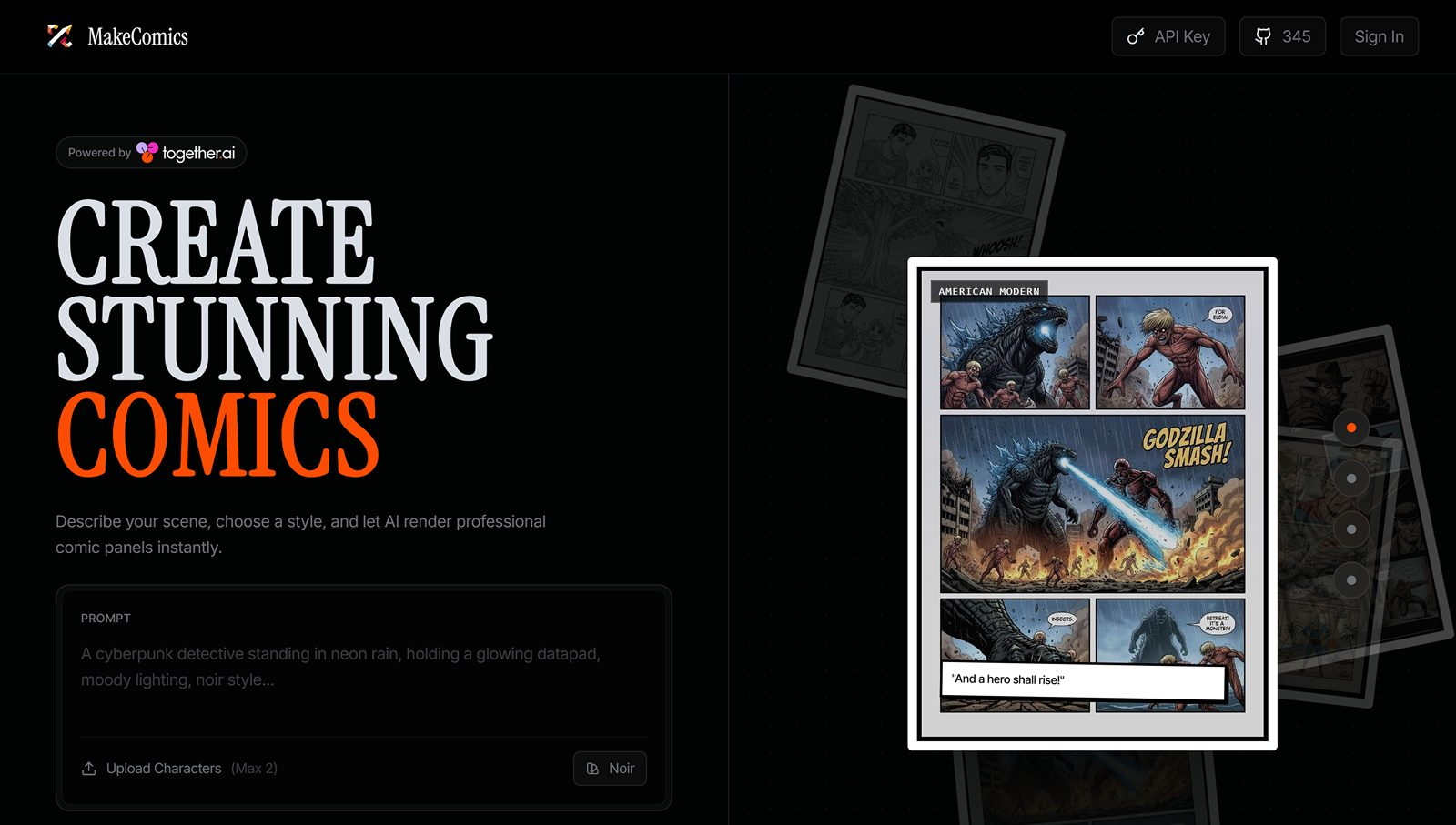
ComicsMaker Ai

Build consistent characters and layout professional comic pages instantly with an AI-powered creative studio.
Branding & Identity
Freemium

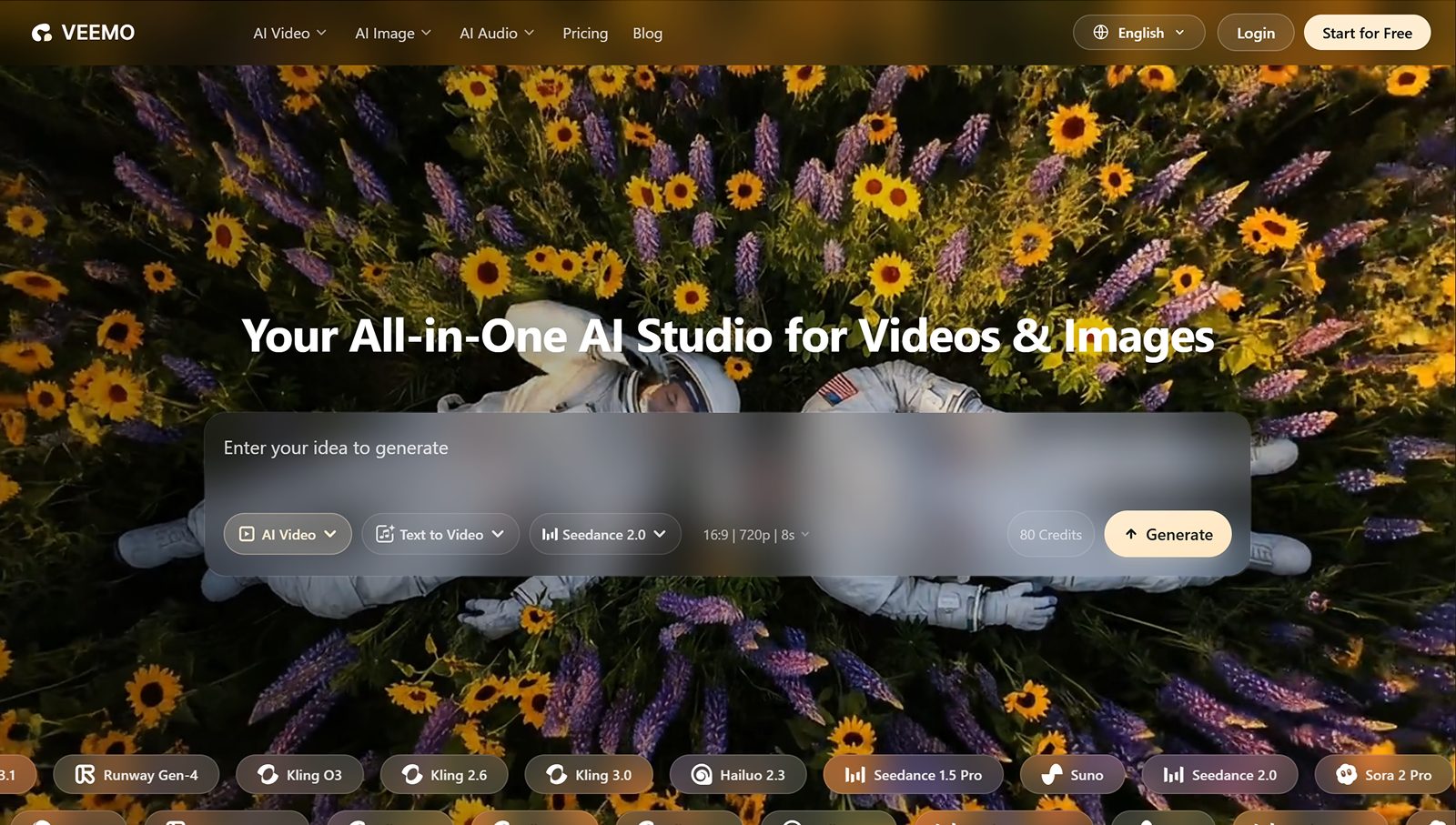
Veemo AI

Converts text and images into cinematic videos, featuring advanced music-syncing and AI avatar generation.
Motion & Video