
✦ Weekly drop: the best new AI tools for designers — updated every Tuesday

Last reviewed: May 2026

Stitch

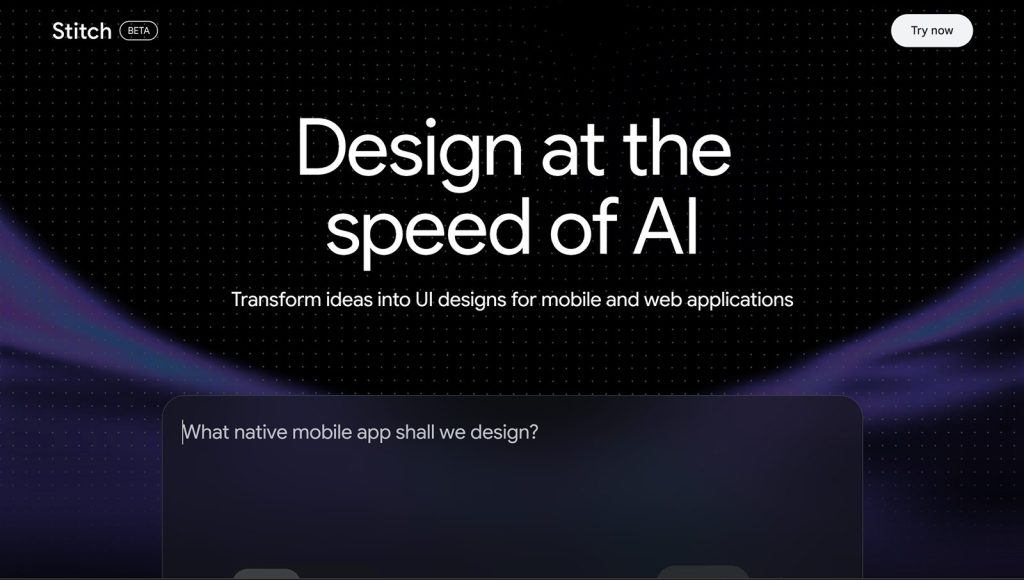
Stitch - The AI-Native Design Canvas by Google

4.5/5

Stitch Verdict

Stitch is a powerful ‘shortcut’ for the early stages of design. It’s perfect for getting a professional layout on the screen in minutes so you can start testing ideas immediately. While it doesn’t replace the deep customization of Figma for final production, its ability to turn a ‘vibe’ into a layered design is a massive timesaver for any product team.

Key feature

Pricing model

Free (Experimental Phase) Tool Price Range: Currently available for free as a Google Labs experiment. Usage limits apply (typically ~350 standard and ~200 pro screens per month).

Stitch overview

Stitch is an AI-native design tool from Google Labs that allows users to build web and mobile interfaces entirely through conversation. Launched as a competitor to traditional design software, it replaces the “blank canvas” starting point with a prompt-driven workflow. Powered by Gemini 2.5, Stitch translates natural language descriptions into polished, functional UI components. Instead of manually drawing shapes, you describe your intent—such as “a dark-mode dashboard for a fitness tracker with a circular progress chart”—and the AI generates a realistic layout with typography, spacing, and icons already in place.

The technical core of Stitch features two distinct modes: Standard Mode (using Gemini Flash) for rapid layout generation and theme editing, and Experimental Mode (using Gemini Pro) for high-fidelity results and image-to-UI capabilities. In Experimental Mode, you can upload hand-drawn sketches, wireframes, or screenshots, and the AI will interpret the visual structure to create a digital equivalent. One of its most practical features for professional workflows is the Figma Export, which allows you to paste a design directly into Figma with nested layers and Auto Layout pre-configured, making it immediately ready for a production design team.
Best For

  • Product Managers & Founders: Rapidly move from a concept to a high-fidelity mockup for stakeholder meetings or user testing without needing a dedicated design team.

  • UI Designers: Use the “Branching” feature to explore dozens of visual directions for a single screen in minutes, comparing different styles side-by-side.

  • Non-Technical Creators: Build professional-looking app interfaces for personal projects or MVPs by simply describing the desired look and feel.

  • Design Ops Teams: Maintain consistency across large projects by using multi-select prompts to apply theme changes or component updates across an entire user flow simultaneously.

Tool integrations

Deep integration with Figma (Auto Layout support). Built-in MCP (Model Context Protocol) server for developers to sync designs with AI coding tools.

Similar tools

Freemium

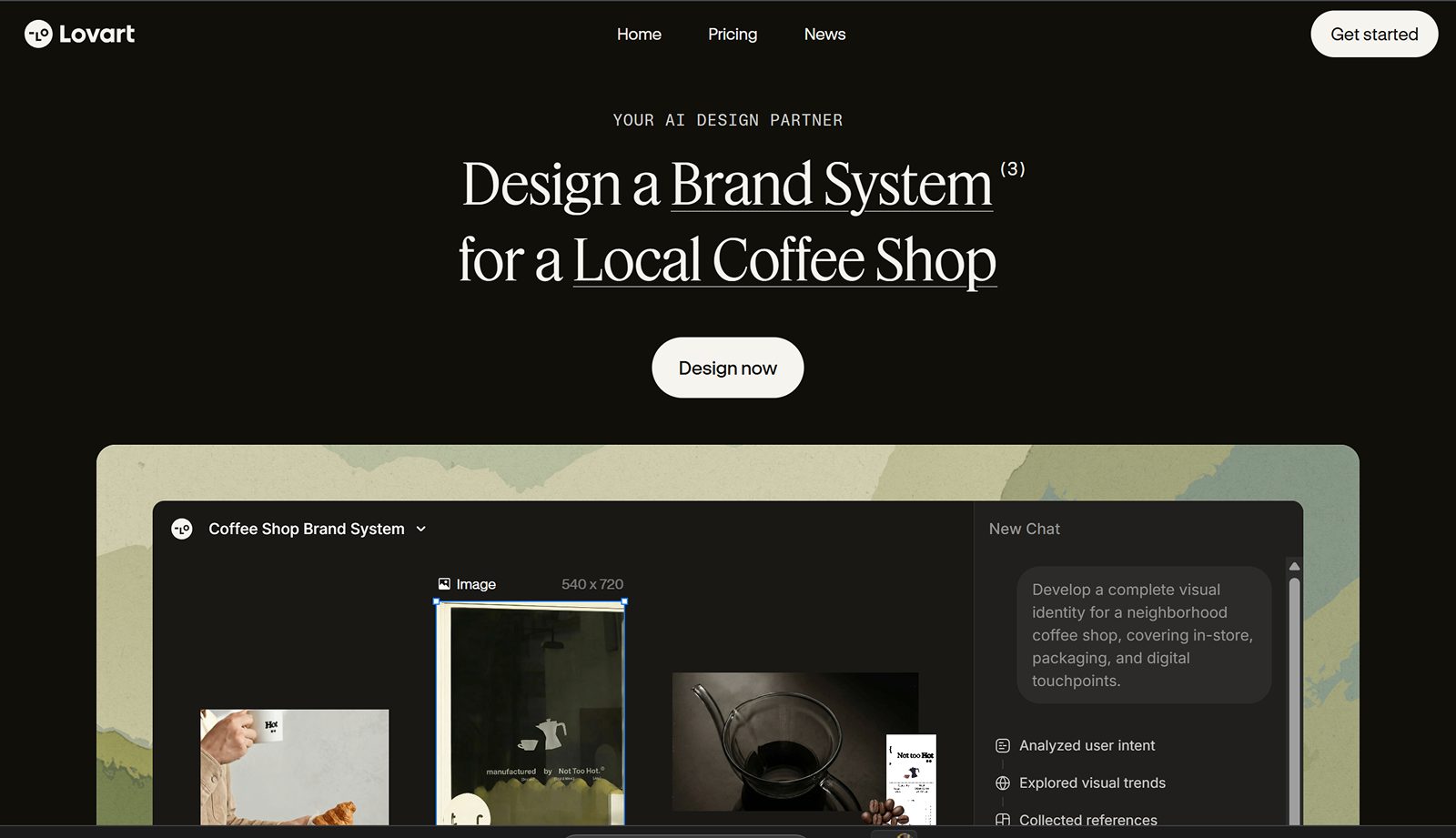
Lovart AI

The world’s first AI Design Agent that orchestrates full creative campaigns and brand identities on an infinite canvas.
Branding & Identity
Freemium

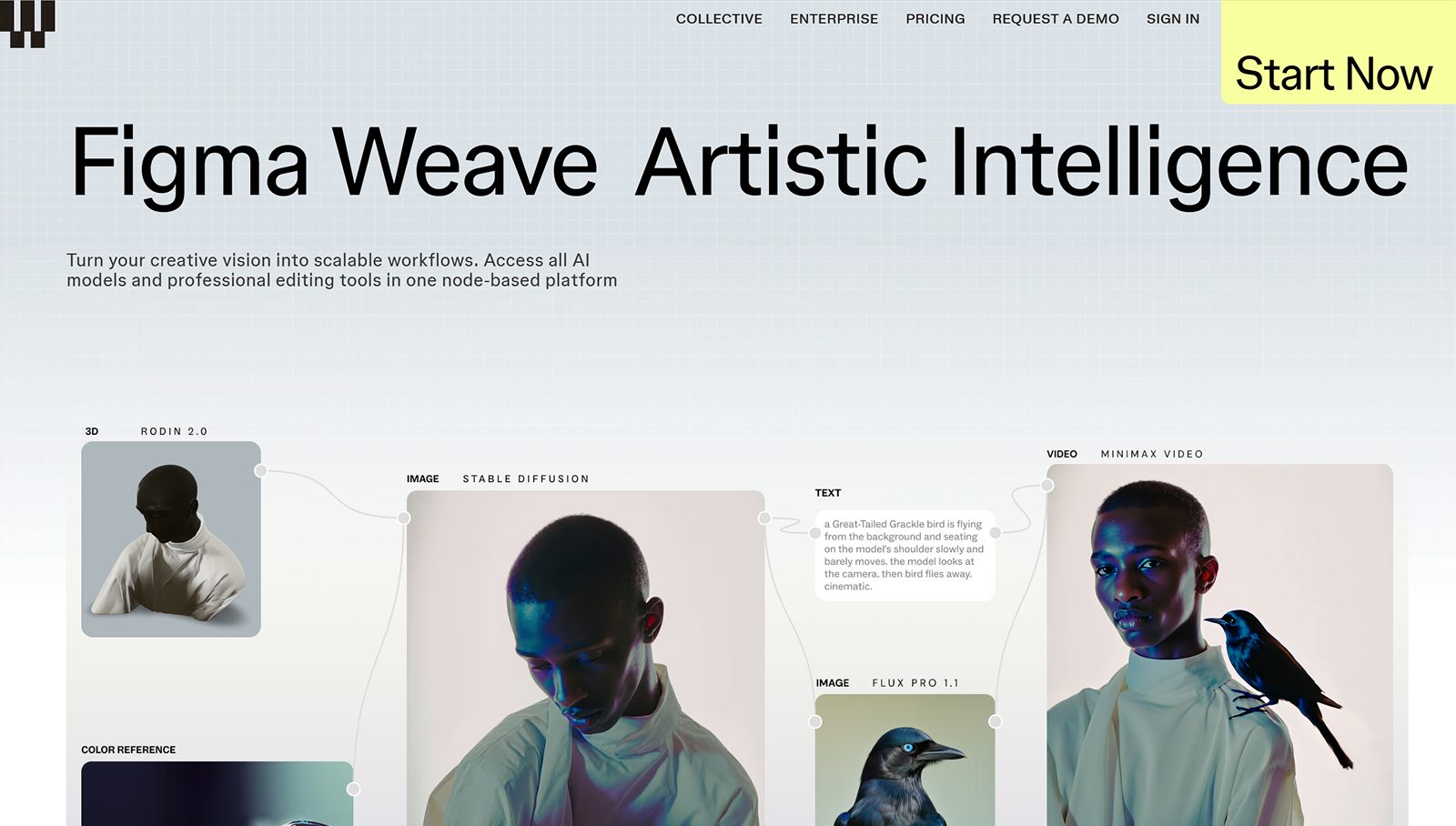
Figma Weave

Build scalable AI design workflows using a professional node-based platform that unites all leading AI models.
UI GenerationFigma Plugins
Freemium

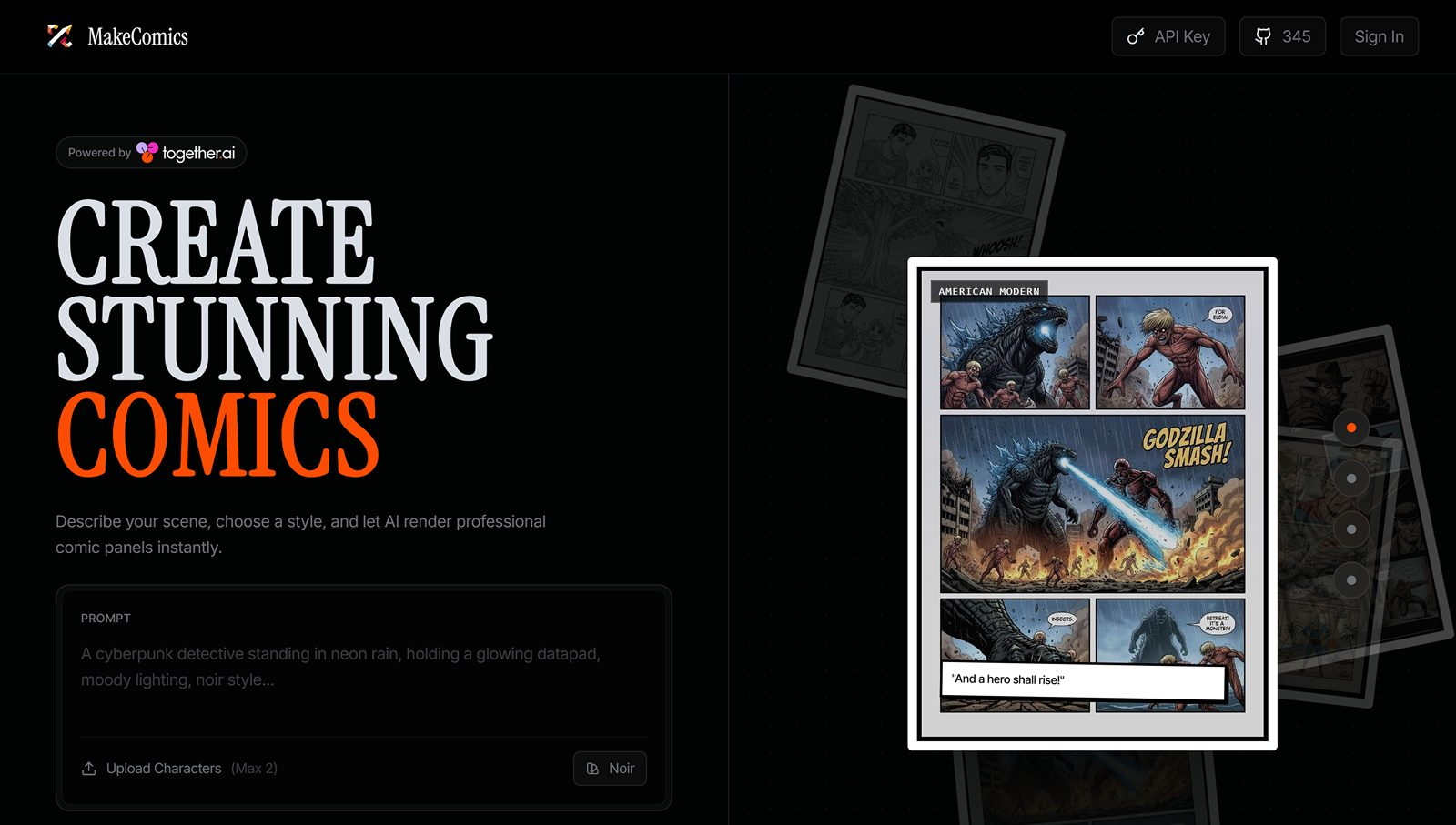
ComicsMaker Ai

Build consistent characters and layout professional comic pages instantly with an AI-powered creative studio.
Branding & Identity
Freemium

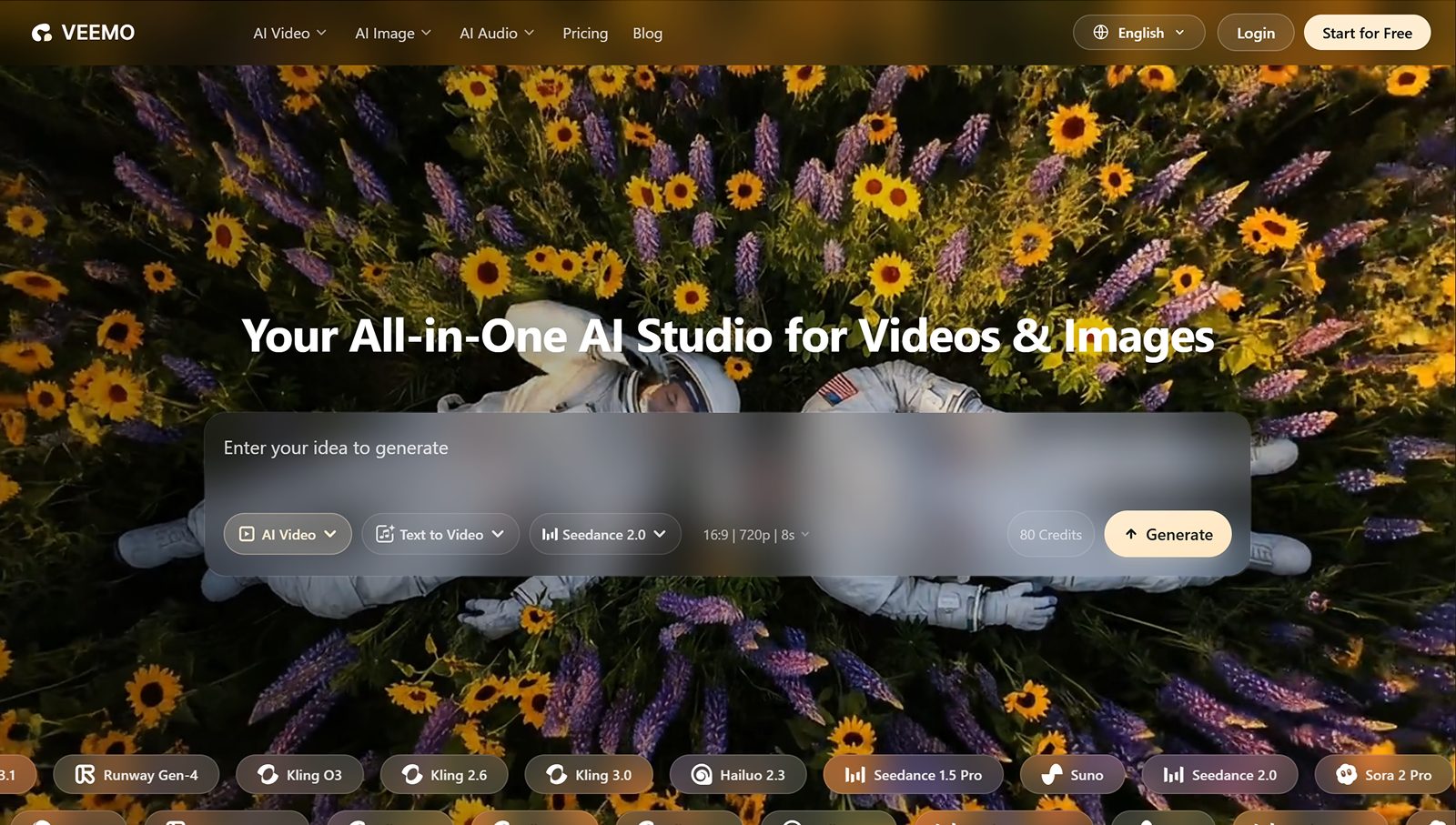
Veemo AI

Converts text and images into cinematic videos, featuring advanced music-syncing and AI avatar generation.
Motion & Video
Freemium

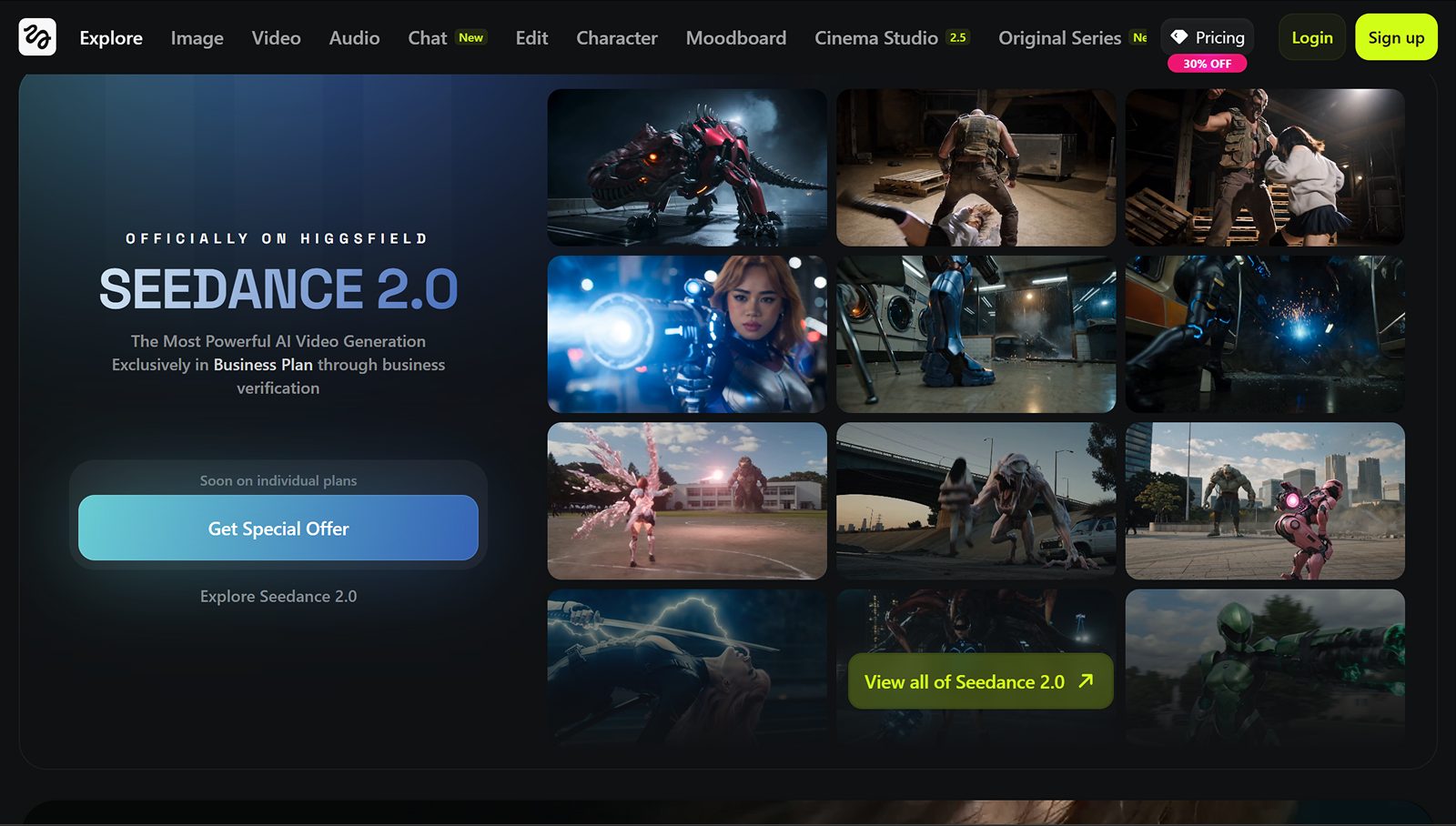
Higgsfield AI

Create hyper-realistic, character-consistent vertical videos and social content using advanced AI motion.
Motion & Video